Frequently Asked Questions (FAQ’s)
Once your order is processed and shipped, you’ll receive a confirmation email with a tracking number and a link to track your package via the courier service used.
Check your spam or promotions folder for the shipping confirmation email. If it’s not there, log in to your account and view your order under the “Orders” section. Still no info? Contact our support team.
Yes. If you checked out as a guest, use the tracking link provided in your order confirmation email or contact support with your order number.
Your order number is included in the confirmation email and is also visible on the order confirmation page right after checkout.
How-to Track your order.
Time needed: 2 minutes
Follow these 4 easy steps to check your order progress.
- Log in to Your Account:
Go to the “My Account” page on our website and sign in using your email and password.
- Go to ‘Orders’:
Navigate to the “Orders” tab to see your recent orders and their current status.
- View Order Details:
Click on the specific order to open its details. If tracking is available, a tracking number and courier link will be displayed.
- Track via Courier:
Click on the tracking link to view real-time shipping updates directly from the courier’s website.
Need Help?
If you have any issues tracking your order, our customer service team is ready to assist. Just provide your name and order number. For more self help options please visit our support page.
Popular Products…
-
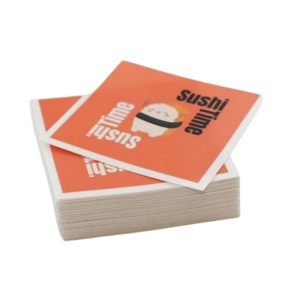
 From: R142.50 Excl. Vat
 -
 From: R1,003.95 Excl. Vat
 -

 R176.39 Excl. Vat
 -

 R911.39 Excl. Vat
 -

 R911.39 Excl. Vat
Latest Products…
-
From: R644.99 Excl. Vat
-
R31.67 Excl. Vat
-
R20.15 Excl. Vat
-
R20.15 Excl. Vat
-
R57.59 Excl. Vat