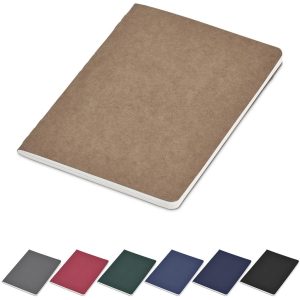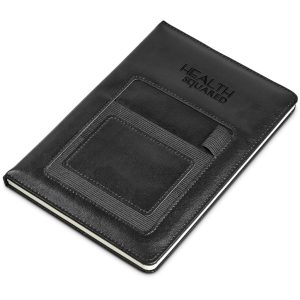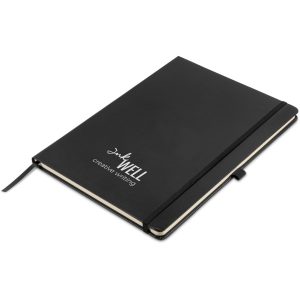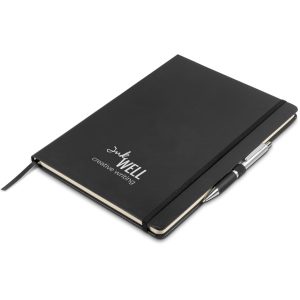
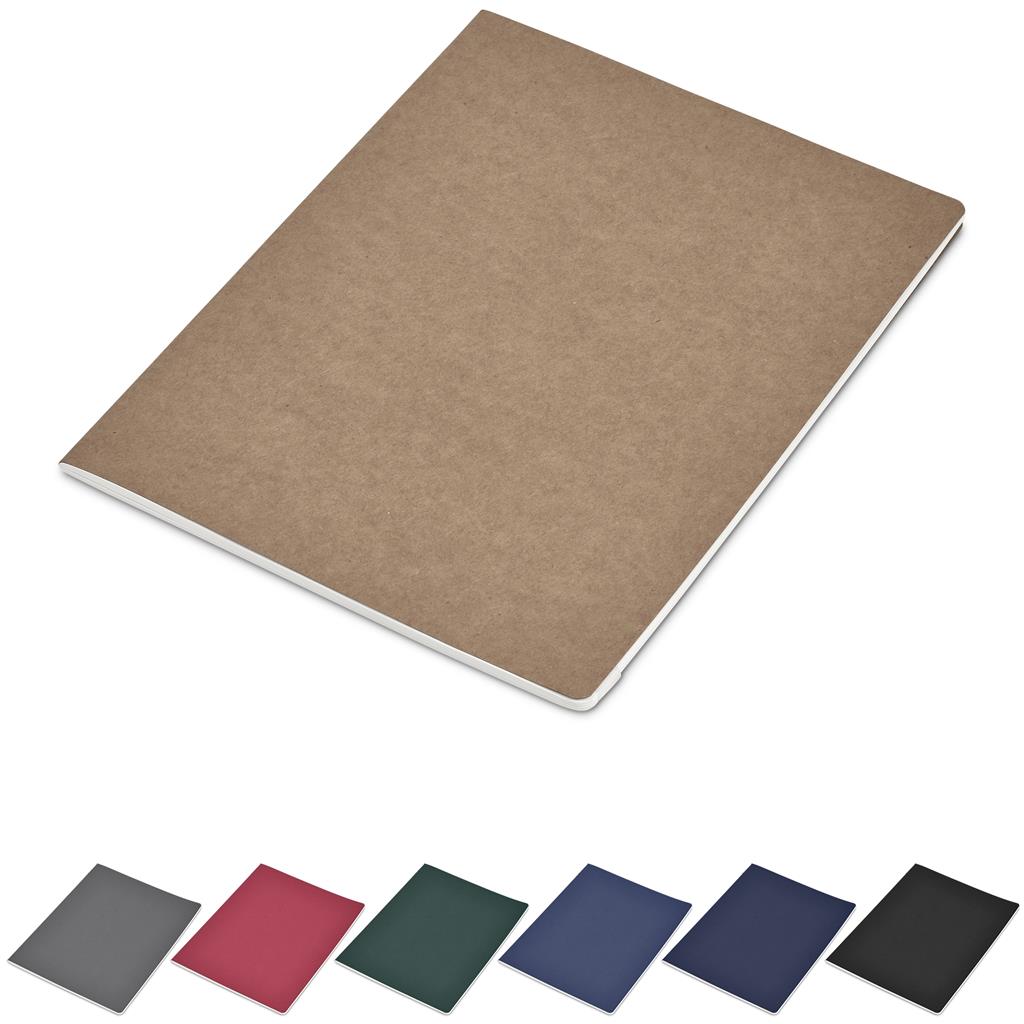
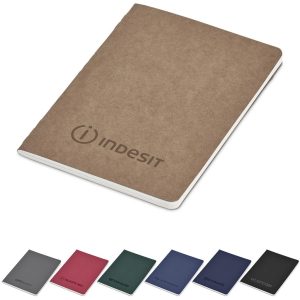
Okiyo Emika FSC Certified Paper Maxi Soft Cover Notebook

R36.74 inc. VAT

Add to Cart
Okiyo Emika FSC Certified Paper Maxi Soft Cover Notebook
R36.74 inc. VAT

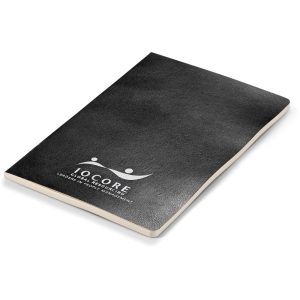
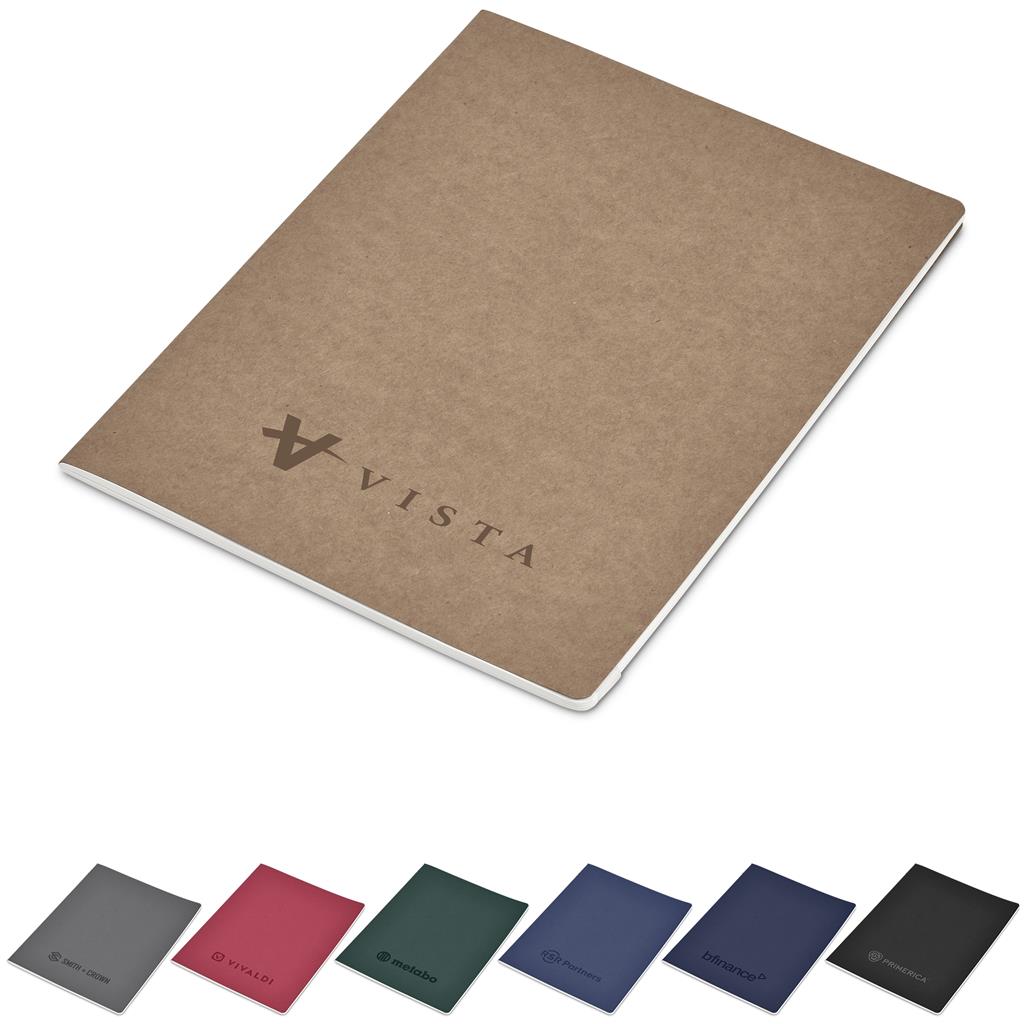
Our custom branded Okiyo Emika FSC Certified Paper Maxi Soft Cover Notebook will put the spotlight on your brand!

Branding Guideline

Designed for thinkers, creators, and doers, this slimline large-format Notebook offers a generous canvas in a lightweight, minimalist form. Whether you’re journaling, sketching, planning, or brainstorming, this notebook is made to keep up with your flow. 
It’s designed to lie open easily, giving you a comfortable, flat surface for uninterrupted writing or drawing. The large pages provide ample space for notes, illustrations, mind maps, and ideas that need room to breathe.
The paper inside this notebook is FSC-certified, meaning it comes from well-managed forests and sustainable sources that meet the highest environmental and social standards. Choosing FSC helps protect forests, wildlife habitats, and the rights of indigenous communities.

  • 25 ( l ) x 18.8 ( w ) x 0.5 ( h ) cm
  • kraft board & paper
  • flexible, soft cover
  • stitch-bound
  • designed to lie open easily
  • 80 lined pages (40 sheets)
  • FSC-certified paper
  • Okiyo logo and FSC certification printed on the back cover
  • bulk packed

Additional information

Colour

, , , , , ,

Branding Methods

, ,

Reviews

There are no reviews yet.

Be the first to review “Okiyo Emika FSC Certified Paper Maxi Soft Cover Notebook”

This site uses Akismet to reduce spam. Learn how your comment data is processed.

Frequently Asked Questions

Do I get FREE Design?

Yes you do, all our orders offer a FREE Basic design package. For more information regarding the benefits and limitations of this service – please check out this handy artwork design section.

How does FREE Delivery work?

In order for you to qualify for FREE delivery, you have to spend a total of R1500 + on your order. Some limitations apply. Please refer to our shipping policy for more information.

How do I add a product to my quotes list?

Step 1: Navigate to the required product.
Step 2: Select all product options
Step 3: Click on the “Add to quote list” button just below the add to cart button.

What are the Payment Options?

Payment can be made via your shopping cart after confirming your products and delivery address. We have various payment methods available – for complete list please refer to this help desk article.

How can we contact you?

We have various contact methods available – for the fastest service use our Live chat tool to interact with our support team, alternative please see alternate contact methods here.