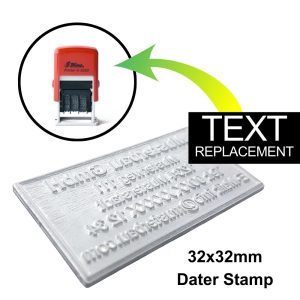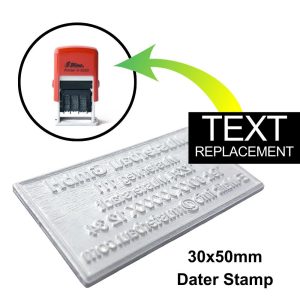
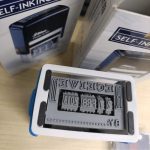
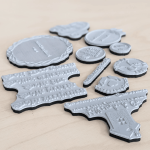
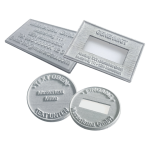
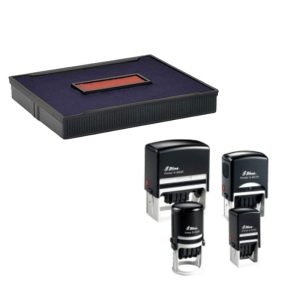
Shiny Stamp Text Replacement for S-828D

R201.79 inc. VAT

Add to Cart
33x56mm Dater Stamp - Text Replace Only
Shiny Stamp Text Replacement for S-828D
R201.79 inc. VAT

    Please forward your design files or artwork links to artwork@printex.co.za with your order number in the subject line after you have placed your order.

    • (max file size 1 GB)

    Please note: Artwork proof(s) are sent for all orders. All orders include a Basic Artwork Check. Find out more

    ¹Artwork Check + Proof : 1 Working Day(s)
    ²Production Time : 2 - 3 Working Day(s)

    ¹Artwork Check : within 1-3 hours
    ²Production Time : 2 - 3 Working Day(s)

Order your custom Shiny Stamp Text Replacement for S-828D today and give your Shiny self-inking stamp a fresh, professional touch!

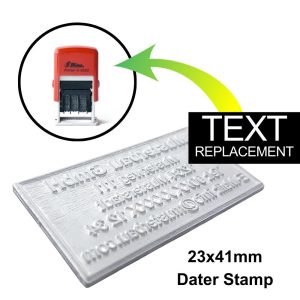
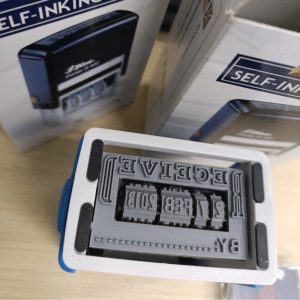
Made for our Shiny S-828D dater Stamp.

Product Features
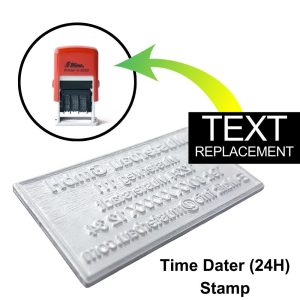
  • No need to purchase a complete new stamp when you want new text just replace the text pad of the current stamp.
  • Make sure you have the correct size and then enter or upload info for new text pad.
  • Remove old text pad and stick new text pad that is supplied with double sided tape.
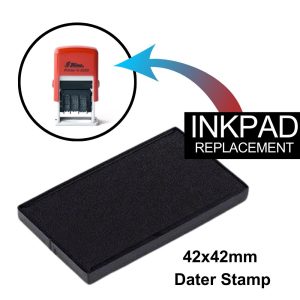
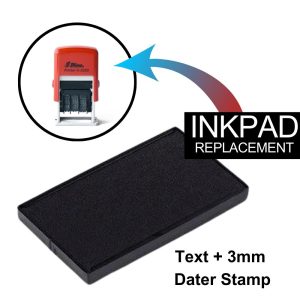
  • It is good practice to replace the ink pad along with a new text pad because of the old text imprint.
📢 HURRY UP ! Last Order Date is 15 December 2025

Text Replacements for Shiny Self-Inking Stamps – Keep Your Impressions Fresh

Upgrade your Shiny self-inking stamp with our high-quality Shiny Stamp Text Replacement for S-828D, designed to breathe new life into your stamp and ensure clear, professional impressions every time. Whether you need to update your company details, add a new logo, or refresh worn-out text, our custom text plates are the perfect solution.

Replacement Text for shiny stamps Key Features:

  • Perfect Fit: Designed to seamlessly match your Shiny self-inking stamp model.
  • Customizable Options: Add your business name, logo, address, or any text you need.
  • Durable Material: Made from long-lasting rubber for thousands of clear impressions.
  • Easy Installation: Quickly replace your old text plate with no hassle.
  • Eco-Friendly Solution: Refresh your stamp without replacing the entire unit.

Who Is It For?

Replacement Text for shiny stamps are Ideal for businesses, professionals, or individuals looking to update or replace text on their self-inking stamps. From addresses to office labels, our text replacements make it easy to stay current and professional.

Why Choose Us?

We offer precision-cut text plates tailored to your Shiny stamp, ensuring perfect alignment and consistent stamping. Fast production and shipping mean minimal downtime for your office needs.


Reviews

There are no reviews yet.

Be the first to review “Shiny Stamp Text Replacement for S-828D”

This site uses Akismet to reduce spam. Learn how your comment data is processed.

How to Replace Rubber Text on Shiny Self-Inking Stamps

How to Replace Rubber Text on Shiny Self-Inking Stamps

Replacing the rubber text on Shiny stamp is a straightforward process. Follow these steps or watch video:

Step 1: Remove the Existing Text Plate
  • Lock the Stamp Position:
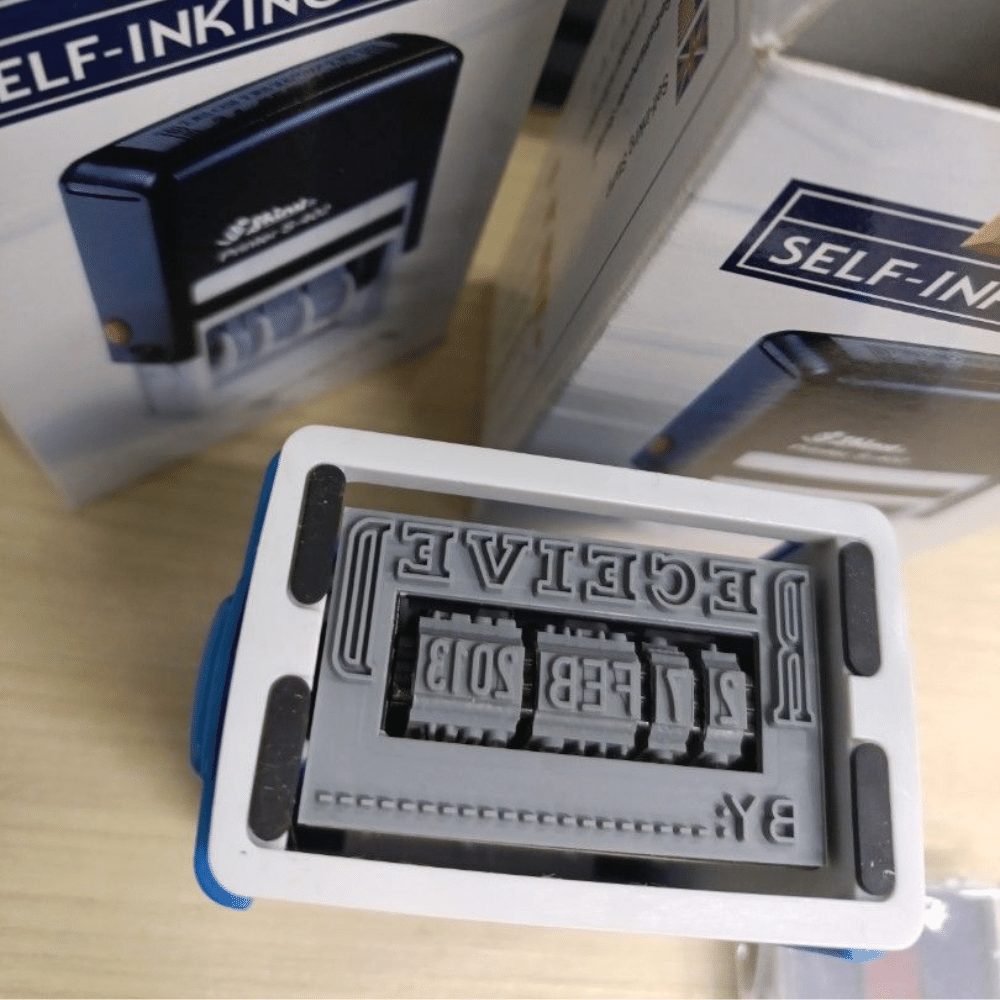
    Press the stamp down slightly (not enough to make an impression) and slide the locking mechanism into place to hold the stamp in the downward position. This exposes the text plate.
  • Detach the Old Text Plate:
    Carefully peel off the old rubber text plate from the mounting area. If it is stuck, you can use a flat, non-sharp tool to help lift it gently.
Step 2: Clean the Mounting Surface
  • Remove Residue:
    Clean the mounting surface with a small amount of rubbing alcohol or a mild adhesive remover to ensure the new plate adheres properly.
  • Dry the Surface:
    Allow the surface to dry completely before attaching the new text plate.
Step 3: Attach the New Text Plate
  • Align the New Text Plate:
    Ensure the new rubber text plate is positioned correctly, considering the orientation of the stamp.
  • Peel and Stick:
    Remove the protective backing from the adhesive on the text plate and carefully press it onto the mounting surface. Apply firm and even pressure to ensure it sticks securely.
Step 4: Test the Stamp
  • Unlock and Ink:
    Unlock the stamp and ensure the ink pad is properly positioned.
  • Make a Test Impression:
    Stamp on a piece of scrap paper to confirm that the new text plate is aligned and printing correctly. Adjust if necessary.

Replacing the rubber text on Shiny stamp Pro Tip:

If your stamp includes a custom rubber text plate ordered separately, ensure the dimensions match the stamp model to avoid misalignment or improper fitting.